
Microsoft has released the KB5070311 preview cumulative update for Windows 11 systems, which includes 49 changes, including fixes for File Explorer freezes and search issues.
KB5070311 is an optional preview update that delivers updates at the end of each month, enabling IT admins to test Windows bug fixes, improvements, and new features that will roll out during next month’s Patch Tuesday release.
However, unlike Patch Tuesday cumulative updates, the monthly non-security preview updates contain only quality improvements and do not include security fixes.
With the KB5070311 November optional update, Microsoft addressed a known issue that occurred after installing the latest updates, causing the explorer.exe process and the taskbar to stop responding after certain notifications.
It also fixes a bug that caused File Explorer search issues with some SMB (Server Message Block) shares, as well as an issue affecting the Local Security Authority Subsystem Service (LSASS) that made it unstable due to an access violation.
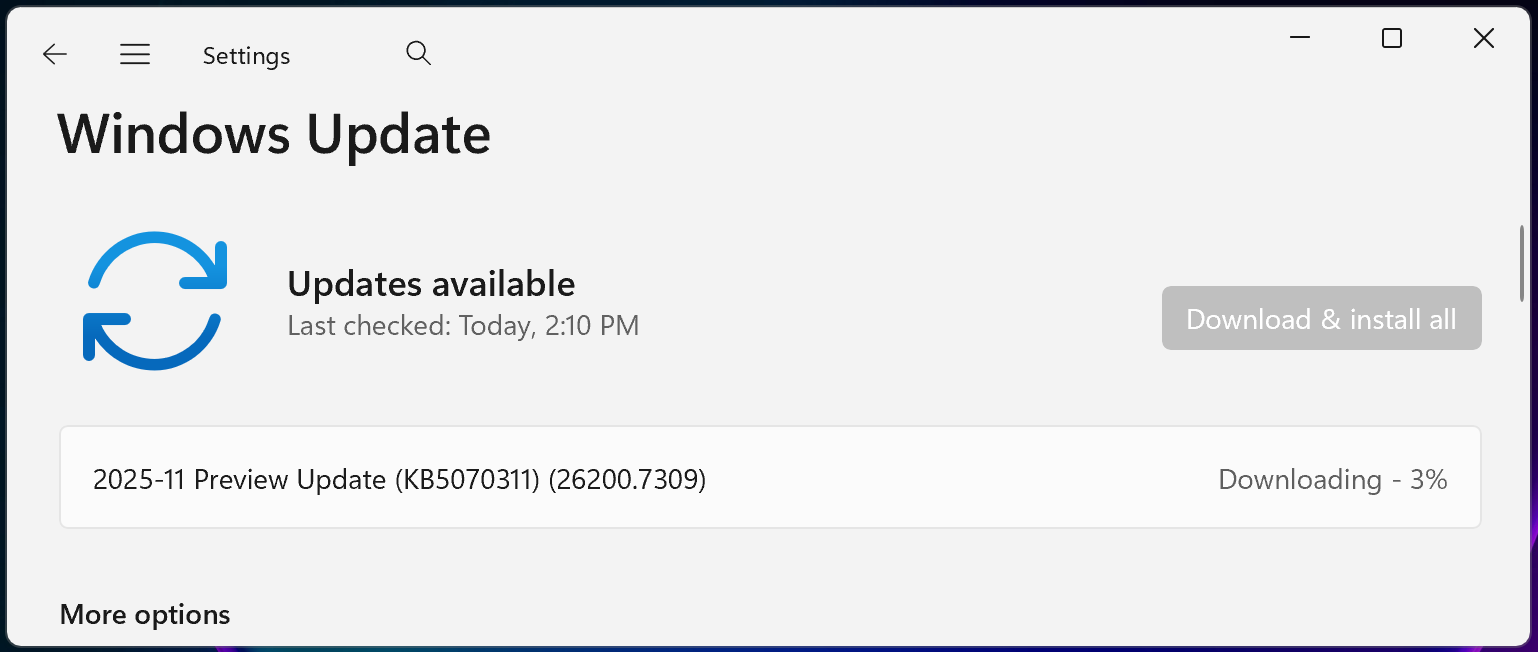
You can install KB5070311 by opening Settings, clicking on Windows Update, and then on ‘Check for Updates.’ Because this is an optional update, you will be prompted to install it by clicking the ‘Download and install’ link. You can also manually install this preview update after downloading it from the Microsoft Update Catalog.
Windows 11 KB5070311 highlights
Once installed, this optional non-security preview update will update Windows 11 25H2 and 24H2 devices to builds 26200.7309 and 26100.7309, respectively.
The November 2025 preview update comes with further fixes and improvements, some of the more important ones highlighted below:
- The search results menu displays more available results, making it easier to find and modify your settings quickly. A scroll bar lets you view all search results. (Copilot+ PCs)
- You can use Windows Studio Effects, which provides AI-powered camera enhancements, on an additional camera such as a USB webcam or your laptop’s built-in rear camera. (Copilot+ PCs)
- When Windows Spotlight is set as your desktop background, the context menu now includes two options: Learn more about this background and Next desktop background.
- File Explorer now offers a more consistent dark mode experience.
In a separate message center update, Microsoft added that it won’t release a preview update in December, with the regular roll-out schedule resuming in January.
“Because of minimal operations during the Western holidays and the upcoming new year, there will be no December 2025 non-security preview update,” it said.
“There will be a monthly security update for December 2025. Normal monthly servicing for both security and non-security preview updates will resume in January 2026.”
Microsoft added that it’s still working to address a known issue acknowledged last week, which causes the password sign-in option to disappear from the lock screen options.

Broken IAM isn’t just an IT problem – the impact ripples across your whole business.
This practical guide covers why traditional IAM practices fail to keep up with modern demands, examples of what “good” IAM looks like, and a simple checklist for building a scalable strategy.