
Microsoft has released the KB5073724 extended security update to fix the Patch Tuesday security updates, including 3 zero-days and a fix for expiring Secure Boot certificates.
If you are running Windows 10 Enterprise LTSC or are enrolled in the ESU program, you can install this update like normal by going into Settings, clicking on Windows Update, and manually performing a ‘Check for Updates.’
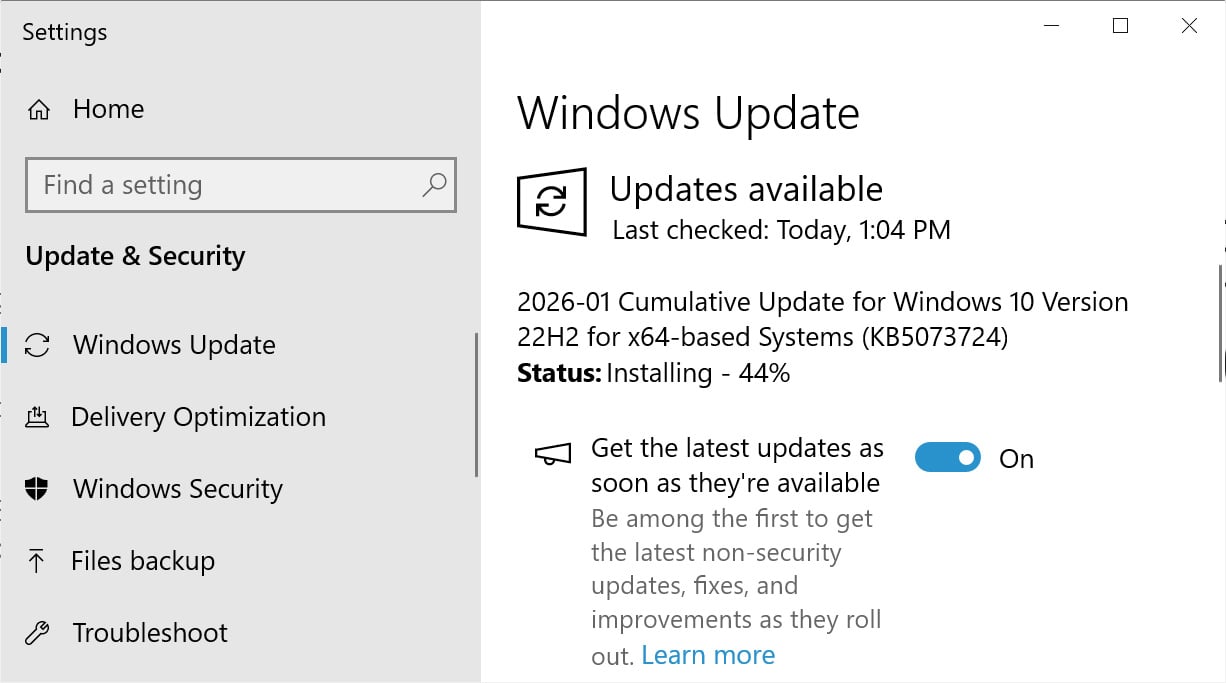
Source: BleepingComputer
After installing this update, Windows 10 will be updated to build 19045.6809, and Windows 10 Enterprise LTSC 2021 will be updated to build 19044.6809.

What’s new in Windows 10 KB5073724
Microsoft is no longer releasing new features for Windows 10, and the KB5073724 update contains only security fixes and bug fixes introduced by previous security updates.
With today’s January 2026 Patch Tuesday, Microsoft has fixed 114 vulnerabilities, including three zero day flaws.
KB5073724 fixes an actively exploited elevation of privileges vulnerability in the built-in Agere modem drivers, a security flaw in the third-party WinSqlite DLL, and updates to address the upcoming expiration of Secure Boot certificates.
- [Drivers] This update removes the following modem drivers: agrsm64.sys (x64), agrsm.sys (x86), smserl64.sys (x64) and smserial.sys (x86). Modem hardware dependent on these specific drivers will no longer work in Windows.
- [Secure Boot] Starting with this update, Windows quality updates include a subset of high confidence device targeting data that identifies devices eligible to automatically receive new Secure Boot certificates. Devices will receive the new certificates only after demonstrating sufficient successful update signals, ensuring a safe and phased deployment.
- [WinSqlite3.dll] Fixed: The Windows core component, WinSqlite3.dll, has been updated. Previously, some security software might have detected this component as vulnerable.
Since June 2025, Microsoft has warned that multiple Windows Secure Boot certificates issued in 2011 are expiring in 2026, and systems that do not update them risk breaking Secure Boot protections.
|
Expiring Certificate |
Expiration date |
New Certificate |
Storing location |
Purpose |
|
Microsoft Corporation KEK CA 2011 |
June 2026 |
Microsoft Corporation KEK 2K CA 2023 |
Stored in KEK |
Signs updates to DB and DBX. |
|
Microsoft Windows Production PCA 2011 |
Oct 2026 |
Windows UEFI CA 2023 |
Stored in DB |
Used for signing the Windows boot loader. |
|
Microsoft UEFI CA 2011* |
June 2026 |
Microsoft UEFI CA 2023 |
Stored in DB |
Signs third-party boot loaders and EFI applications. |
|
Microsoft UEFI CA 2011* |
June 2026 |
Microsoft Option ROM UEFI CA 2023 |
Stored in DB |
Signs third-party option ROMs |
These certificates are used to validate Windows boot components, third-party bootloaders, and Secure Boot revocation updates. If the certificates expire, then Secure Boot may break, allowing threat actors to bypass protections.
As part of today’s update, Microsoft is now rolling out targeted updates to systems that update Secure Boot certificates. These updates will be rolled out to additional systems over time.
Microsoft states that there are no known issues with this update.

As MCP (Model Context Protocol) becomes the standard for connecting LLMs to tools and data, security teams are moving fast to keep these new services safe.
This free cheat sheet outlines 7 best practices you can start using today.