
Online accounts usually rely on a password, but passwords alone can be weak if they’re reused, easily guessed, or stolen. Two-factor authentication (2FA) adds a second layer of verification, usually a six-digit code generated by an app on your phone.
2FAS Auth is a free, open-source two-factor authentication app that helps users securely log in to their accounts by verifying their identity. The app doesn’t require an account to use and is available as a standalone mobile app or browser extension. It works with any website or service that supports time-based (TOTP) or event-based (HOTP) authentication codes.
How it works
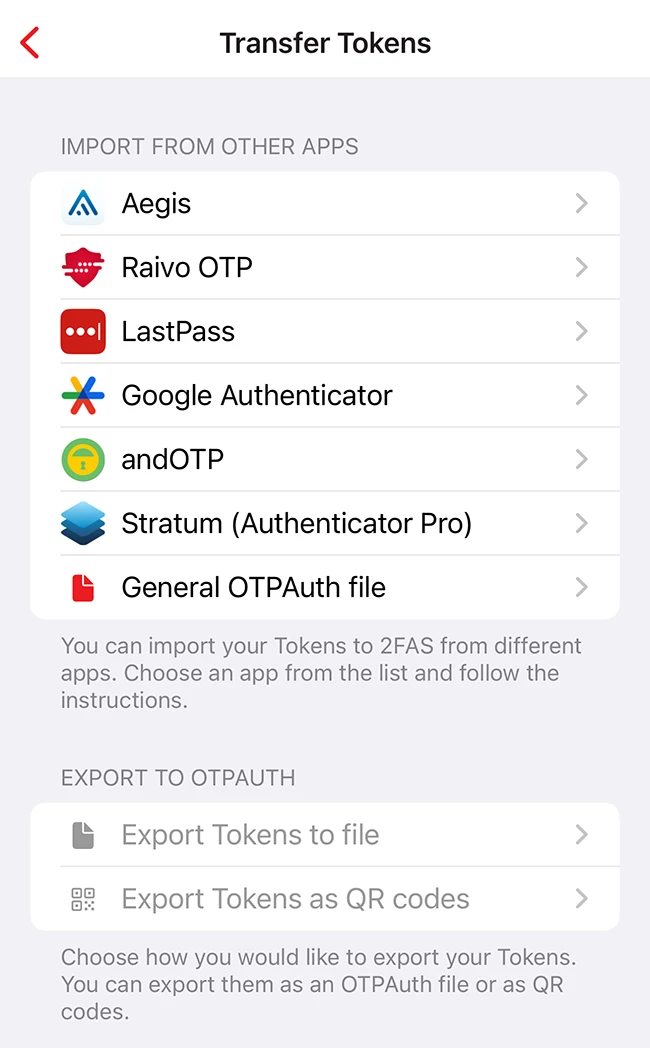
After downloading the app from the App Store, users can start adding accounts they want to protect with an additional security layer. To pair an online account with 2FAS Auth, users can import tokens from another app or add a new service by selecting Pair new service and choosing a setup method. Once added, the app generates short-lived codes that you enter whenever you sign in. Step-by-step guides for many services are available directly through 2FAS Auth.
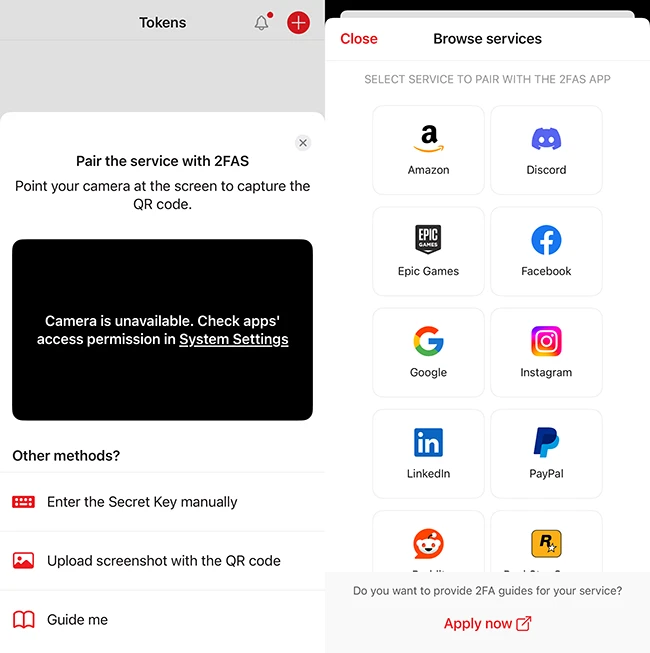
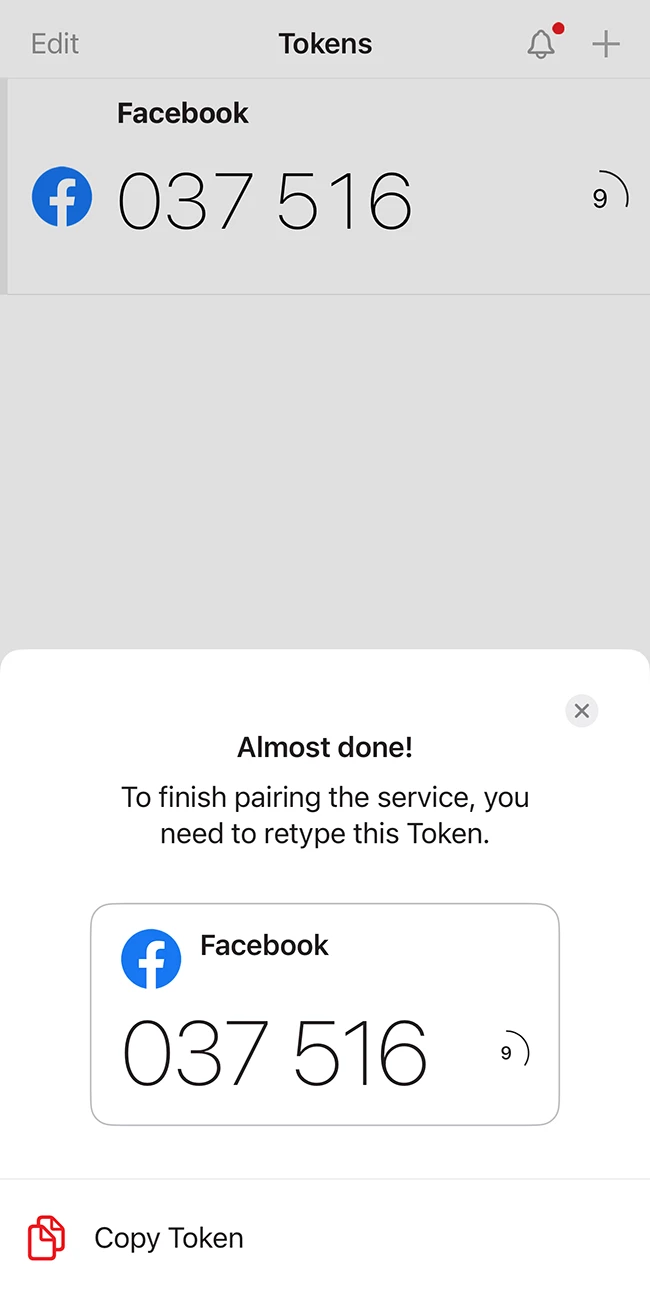
If you use multiple devices, your 2FA tokens can stay in sync, so you don’t lose access when switching phones. Users can also organize tokens into folders.
Aditional security features
In the app settings, users can protect 2FAS Auth with a PIN and Face ID authorization to prevent unauthorized access to tokens on the device. Cloud backup can also be enabled to keep tokens safe in case the phone is lost or damaged.
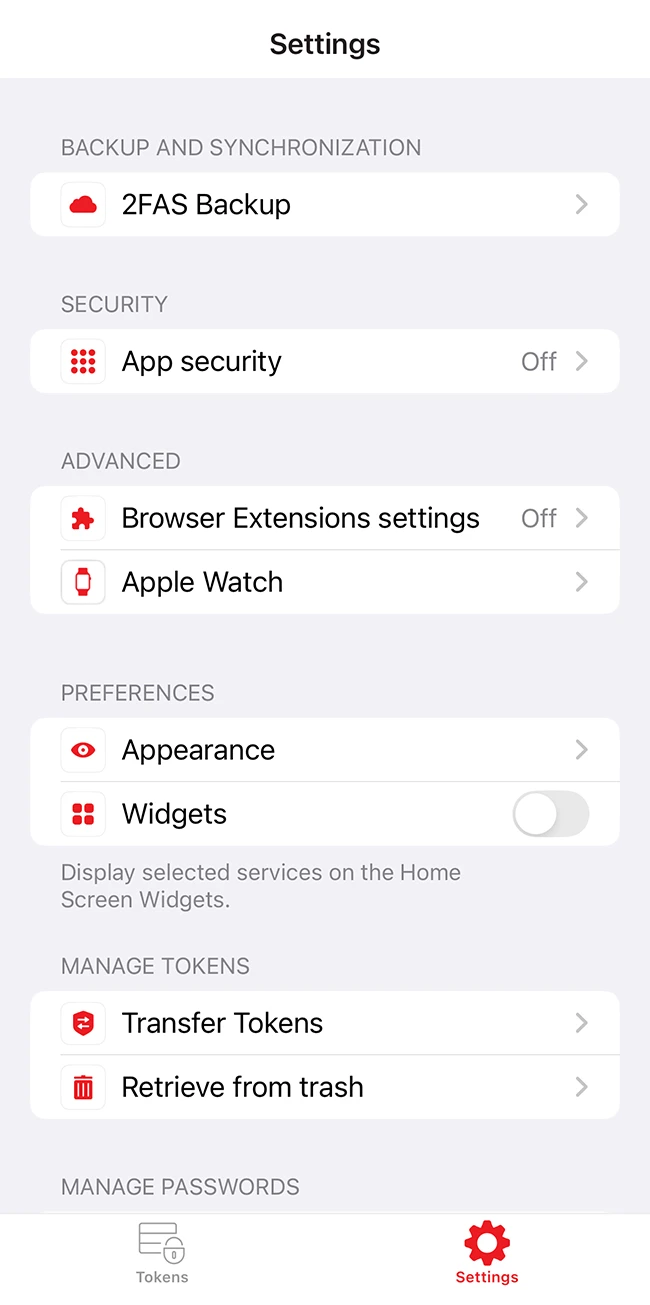
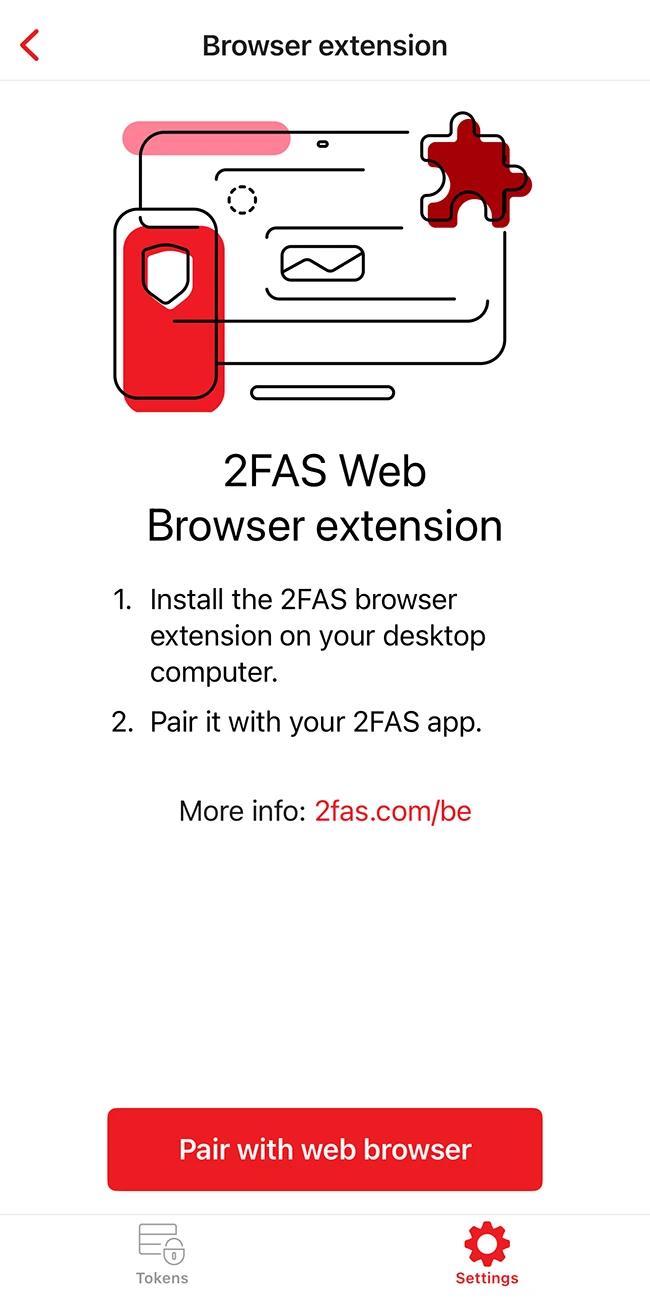
There’s also an optional browser extension that works with the mobile app to automatically fill in codes when logging in on a desktop, reducing the need for manual typing.
2FAS Auth focuses on giving users a simple way to adopt two-factor authentication without extra accounts or complicated setup. For anyone looking to improve online security with strong, 2FAS Auth offers a practical set of tools to get started.