Tuta, formerly known as Tutanota, is built for anyone who wants email that stays private. Instead of treating encryption like a bonus feature, the service encrypts almost everything by default. That means your messages are locked down from the moment you hit send until they reach the other side.
Privacy and security
Tuta leans heavily on Germany’s strict privacy laws, and all of its data lives on servers inside the country. The company does not run ads, harvest your clicks, or quietly build a profile about you. In practice, it collects very little information to begin with. Most of what it stores is encrypted in a way that prevents it from being tied back to any real person.
Tuta also publishes regular transparency reports that show how often authorities come knocking. The numbers are consistently low, and even when requests do come in, the company has very little usable data to hand over. For privacy minded users, that is the point.
Platforms and service
Tuta runs on just about anything. Windows, macOS, Linux, Android and iOS are all covered, and the apps look and feel the same across every platform. The web version works well for everyday use, but it still has a few quirks. Search and offline mode can feel slower, and you can only import or export mail from the desktop apps.
As a privacy focused provider, Tuta aims to keep things as anonymous and encrypted as possible. You can sign up for a free account with one of several domain options. The main tuta.com domain is reserved for paid plans, which keeps it cleaner and less likely to attract spam.
Available domain names
Email, calendar, and address book
Using Tuta can be like using any other email service. It supports archiving, labels and anti-spam. But its main strength lays in being able to encrypt data from start to the end. If both people in conversation use Tuta, your messages are encrypted automatically.
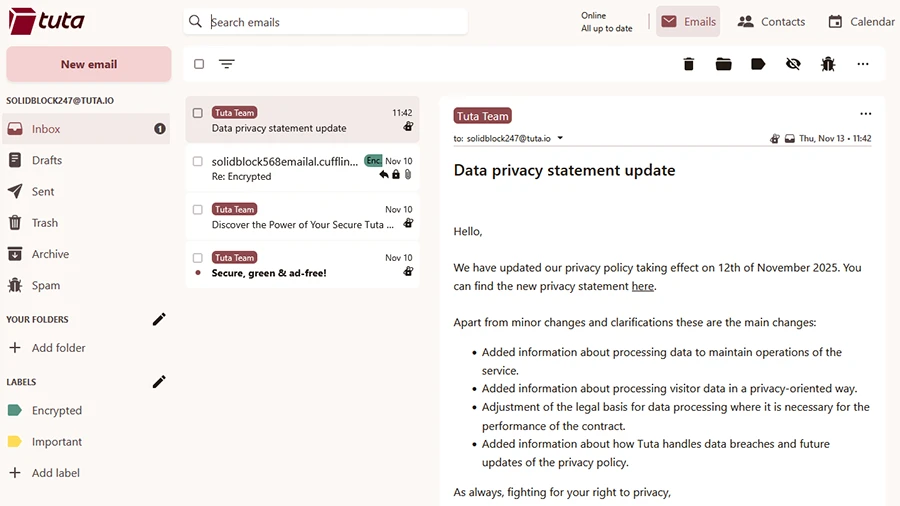
Looks and feels like regular email client
For messages sent to someone not on Tuta, when creating new email, you can pick “confidential” and add a password. You can even pick the language for the notification they receive. The recipient receives notification email with a link to a simple web page that works like a temporary inbox. They enter the password, read your message, and reply in the same space keeping the process transparent for the recipient. Both messages stay encrypted on Tuta’s servers, so even the company can’t read them, because the encryption keys stay with the users.
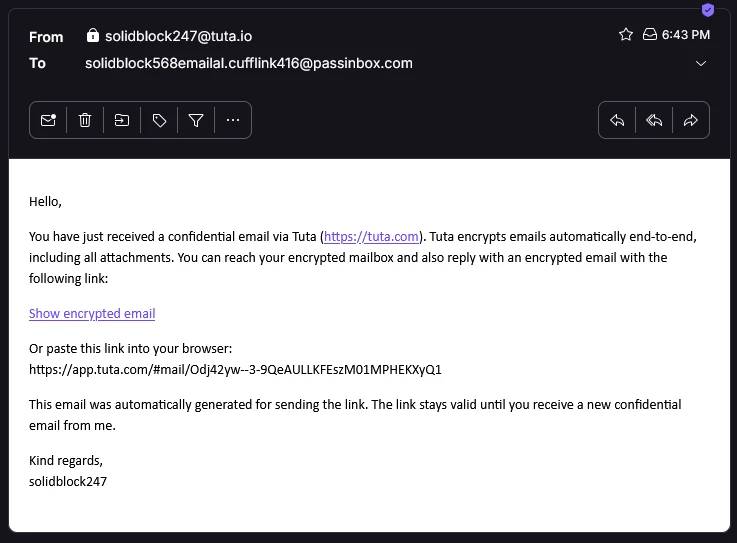
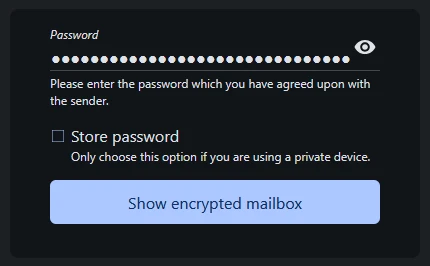
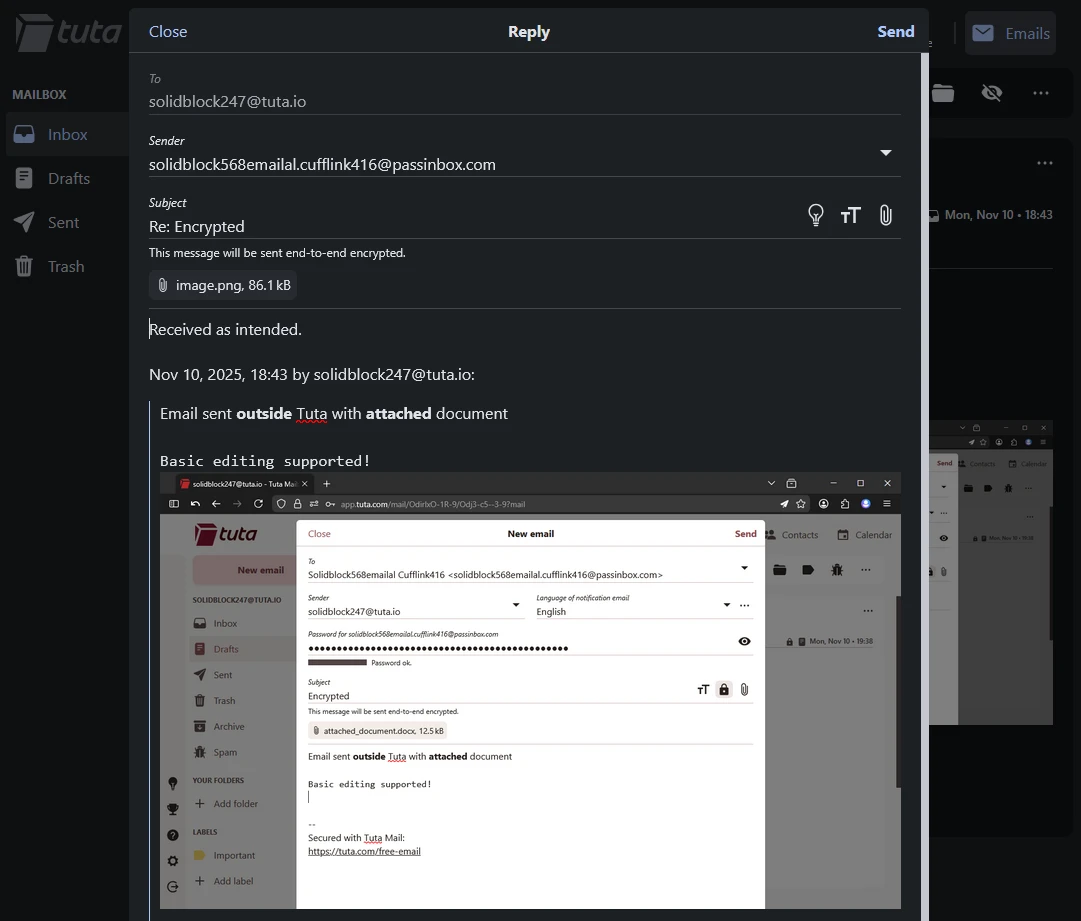
Notification, login and reply to encrypted emails
Tuta also includes an encrypted calendar and address book that follow the same privacy rules as the rest of the service. Your calendar events are stored in a way that only you can read, so no one gets a peek at your schedule.
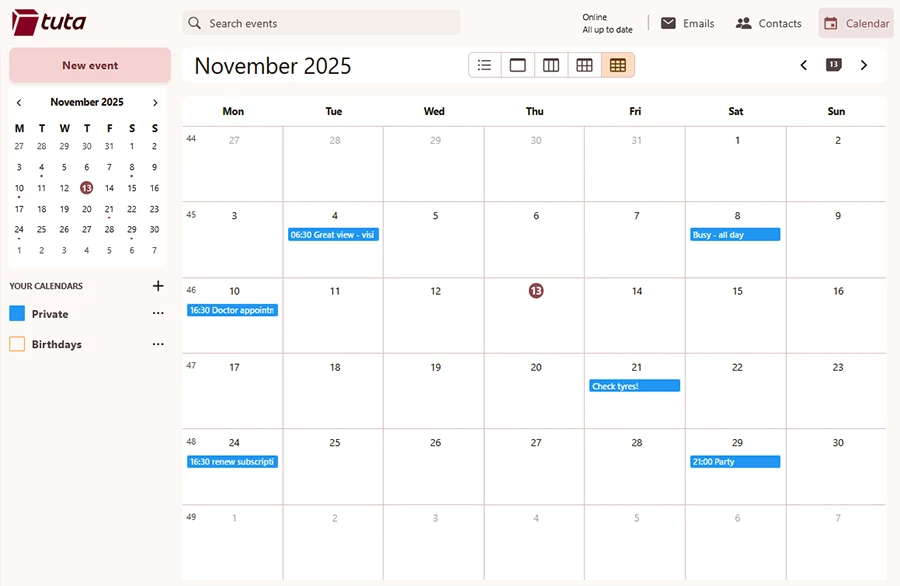
Calendar
The address book keeps every contact detail encrypted as well, and you can save passwords for sending confidential messages to specific contacts. That saves you from having to share a new password every time you want to send something sensitive.
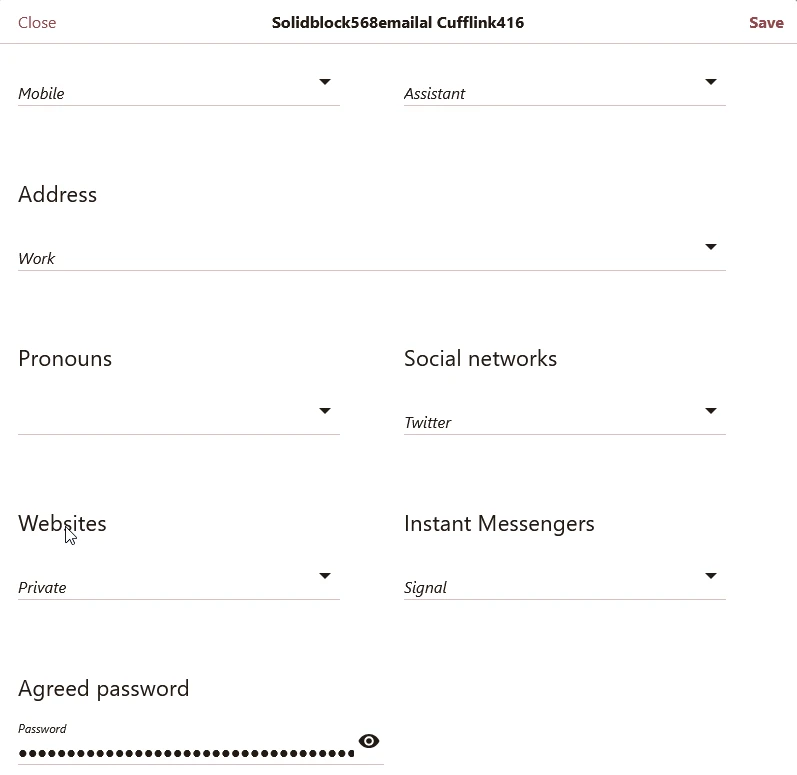
Address book with saved encryption password for future use
When using Tuta, you can protect your login with 2FA using an authenticator (as FreeOTP+, Authenticator, Authy etc.) or a hardware security keys (U2F) e.g., Yubikey. This makes it much harder for someone to steal your credentials and access the mailbox.
Plans and everyday use
The free plan gives you a basic mailbox with limited storage. It works well for light use or private messages that do not involve large files. Paid plans give you more storage, support for custom domains, and extra features. Paying also helps support a service that focuses on privacy instead of ads.
Tuta might not be the fastest or packed with the most features, but that’s the trade-off if privacy matters most. It stays simple, direct, and focused on keeping your data in your hands. For anyone who wants more control over their information and a smaller digital footprint, it’s worth trying.

Product showcase: Proton Pass, a password manager with identity protection