Hackers are abusing GitHub’s own issue-notification emails to phish developers and silently take over their repositories using malicious OAuth applications, effectively turning trusted DevOps tooling into a supply-chain attack vector.
Developers are now prime targets because compromising their accounts gives attackers direct access to source code CI/CD pipelines, and production workflows, making this a textbook supply-chain attack path.
Attackers start by creating issues on public GitHub repositories that appear to be urgent security alerts, for example, warning about “unusual access attempts” or “malicious commits” tied to the victim’s account.
Recent campaigns have shown that a single malicious OAuth app, pushed at scale, can impact thousands of repositories in days. By abusing trusted platforms like GitHub, attackers can bypass many traditional email filters and reach developers directly in their inboxes.
They mention specific usernames in the issue body, which automatically triggers a legitimate notification email from GitHub’s noreply address to the target’s primary email.
How GitHub issue phishing works
The issue text is carefully formatted with Markdown, mixing bold warnings, fake detection details, and links that claim to let the user “review activity” or “secure the account.”
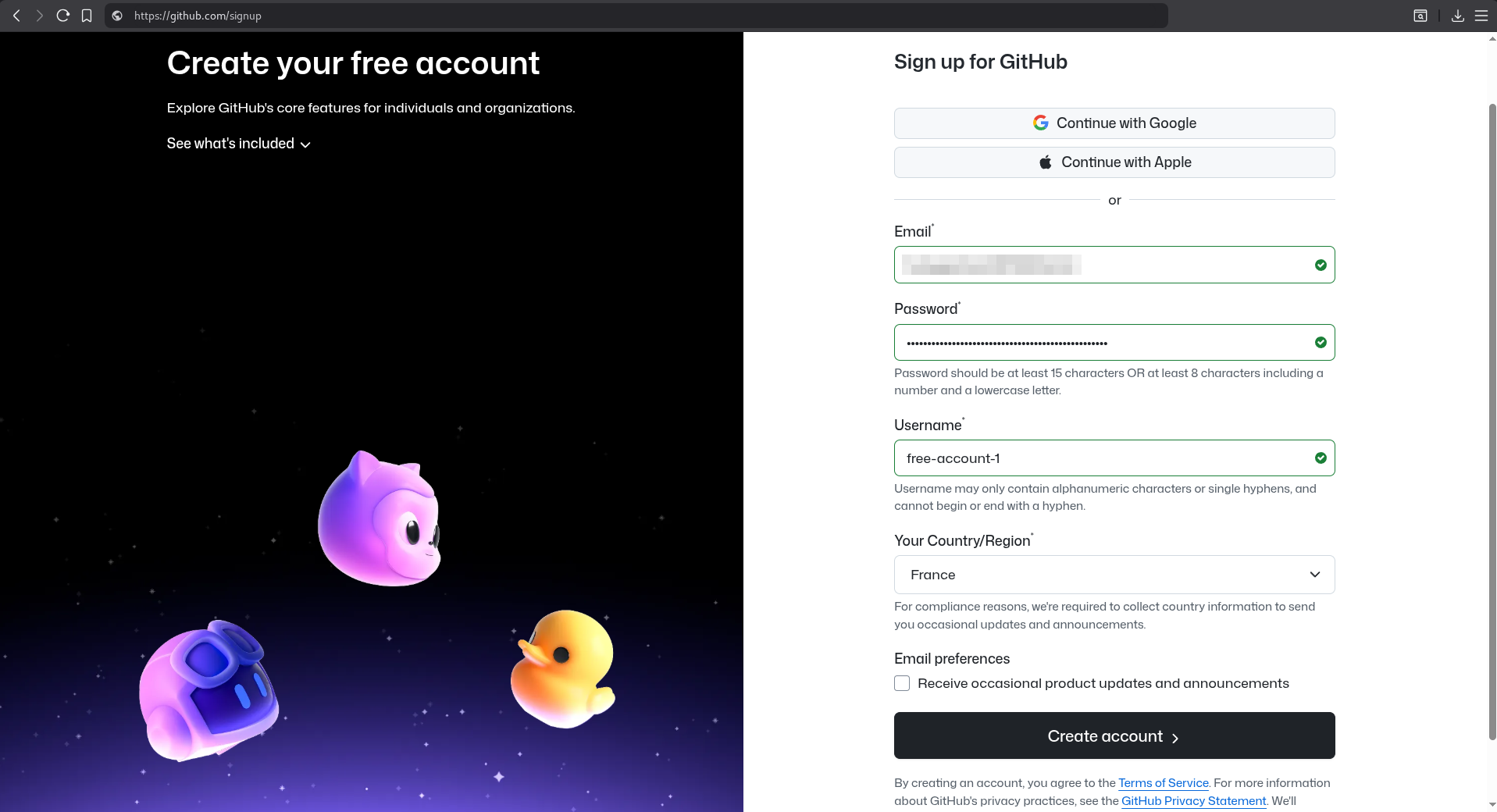
Because these messages originate from GitHub’s own infrastructure, they pass SPF and DKIM checks and look identical to normal repository notifications, making them hard to distinguish from real alerts at a glance.
Some attackers further increase credibility by choosing account and repository names that resemble GitHub security services or known tools, so that the subject line of the email appears trustworthy.
In some cases, reports describe a time-of-check time-of-use (TOCTOU) trick, where the attacker edits or cleans up the issue after the notification is sent, leaving little evidence in the repository while the victim still has the original lure in their inbox.
Instead of pointing victims to a fake login page, the embedded links lead to a legitimate github.com OAuth authorization URL for a rogue application controlled by the attacker.
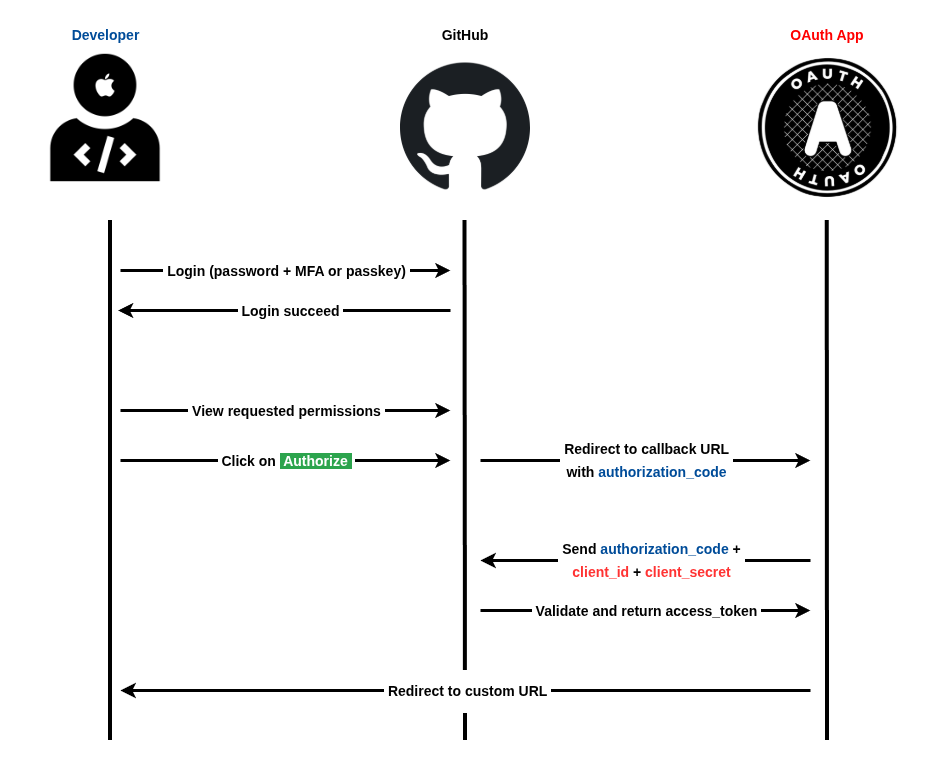
On that page, the app asks for powerful scopes such as access to the user’s email, profile, private and public repositories, and GitHub Actions workflows, giving the attacker broad control once consent is granted.
This model, often called consent phishing, lets threat actors gain persistent API-level access without ever stealing a password or directly defeating multi-factor authentication.
Malicious OAuth apps and 2FA bypass
Once the user clicks “Authorize,” GitHub issues an OAuth access token to the malicious app, which can then clone private repositories, inject backdoors into code, tamper with workflows, or exfiltrate sensitive data.
The MalGitApp public repo or fork it on your GitHub phishing account and then connect Render to it. Select only the desired repositories and click “Install”.
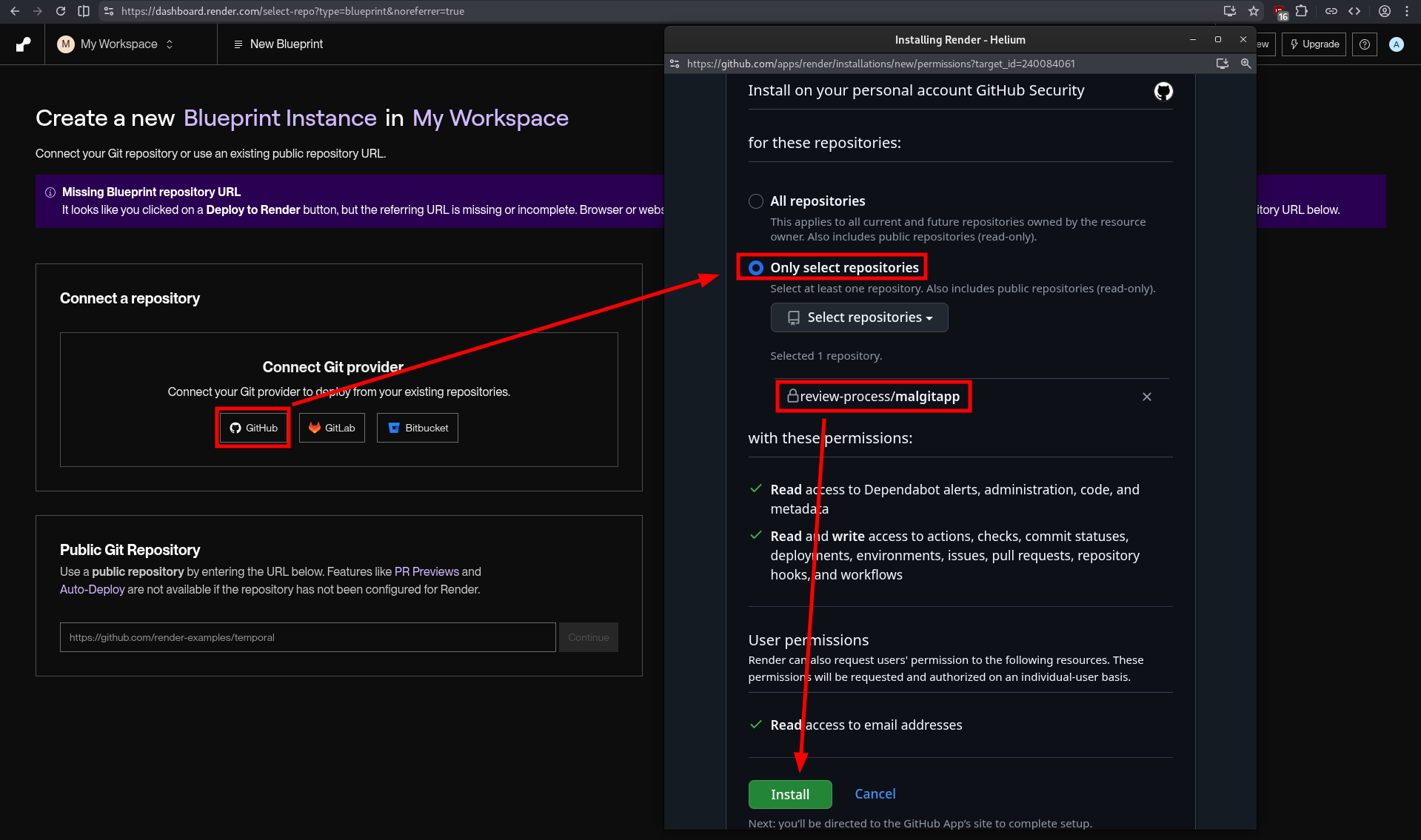
Security researchers have documented campaigns hitting roughly 12,000 repositories with this technique, showing how quickly a single malicious app can scale across the developer ecosystem.
Because everything happens through official GitHub flows and URLs, many users do not realize they have handed over access until suspicious commits or repository activity appear.
Organizations should treat OAuth app approvals as high-risk events and restrict which apps developers are allowed to authorize, especially those requesting repo or workflow scopes.
Security teams should regularly review existing OAuth grants, revoke unused or suspicious apps, and monitor for unusual repository changes tied to tokens rather than direct logins.
Developers are advised to verify any “security alert” by checking GitHub’s own security center or notifications page directly, instead of clicking links in emails, and to be wary of apps that brand themselves as security scanners yet demand full repository access.
Follow us on Google News, LinkedIn, and X to Get Instant Updates and Set GBH as a Preferred Source in Google.