Two Chrome extensions in the Web Store named ‘Phantom Shuttle’ are posing as plugins for a proxy service to hijack user traffic and steal sensitive data.
Both extensions are still present in Chrome’s official marketplace at the time of writing and have been active since at least 2017, according to a report from researchers at the Socket supply-chain security platform.
Phantom Shuttle’s target audience is users in China, including foreign trade workers who need to test connectivity from various locations in the country.

Both extensions are published under the same developer name and are promoted as tools that can proxy traffic and test network speed. They are available for a subscription between $1.4 – $13.6.
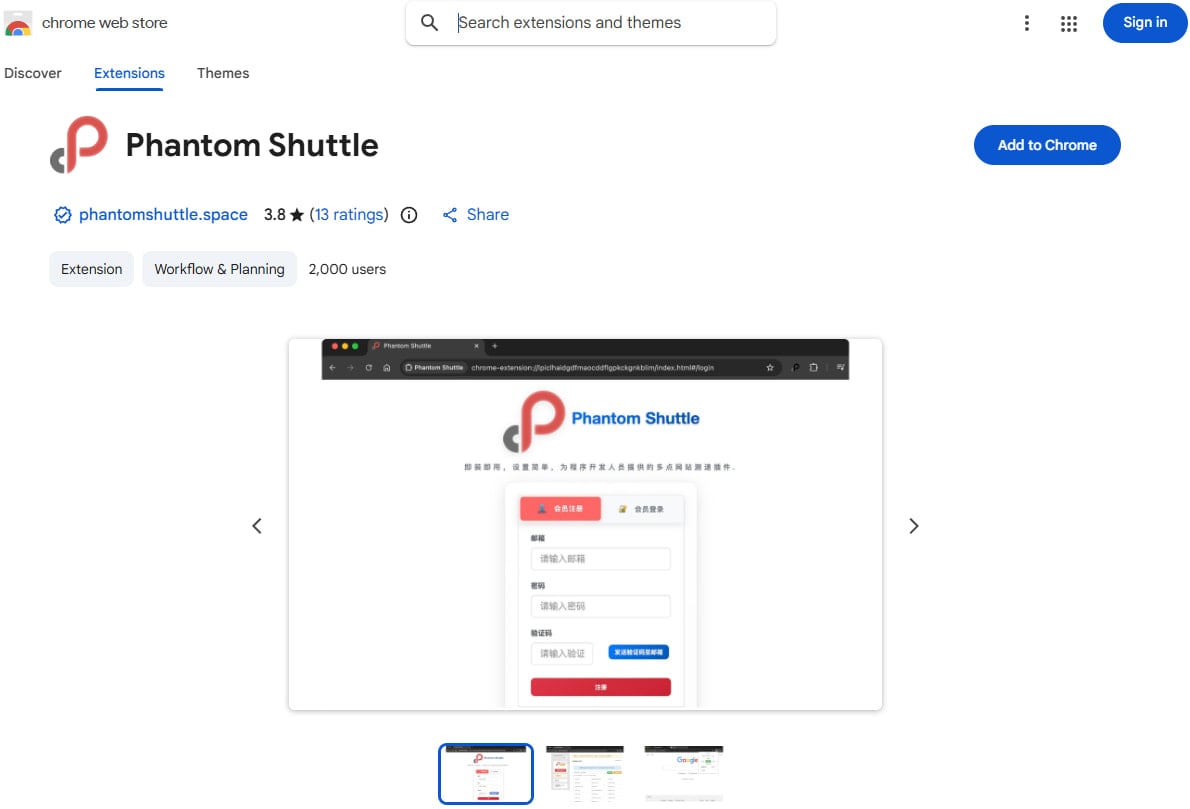
Source: BleepingComputer
Covert data-theft functionality
Socket.dev researchers say that Phantom Shuttle routes all user web traffic through proxies controlled by the threat actor, accessible via hardcoded credentials. The code doing this is prepended to the legitimate jQuery library.
The malicious code hides the hardcoded proxy credentials using a custom character-index encoding scheme. Through a web traffic listener, the extensions can intercept HTTP authentication challenges on every website.
To automatically run user traffic through the attacker’s proxies, the malicious extensions dynamically reconfigure Chrome’s proxy settings using an auto-configuration script.
In the default “smarty” mode, it routes more than 170 high-value domains through the proxy network, including developer platforms, cloud service consoles, social media sites, and adult content portals.
On the exclusion list are local networks and the command-and-control domain, to avoid disruption and detection.
While acting as a man-in-the-middle, the extension can capture data from any form (credentials, card details, passwords, personal info), steal session cookies from HTTP headers, and extract API tokens from requests.
BleepingComputer has contacted Google about the extensions still being present in the Web Store, but a comment wasn’t immediately available.
Chrome users are advised to trust only extensions from reputable publishers, check multiple user reviews, and pay attention to the permissions requested upon installation.

Broken IAM isn’t just an IT problem – the impact ripples across your whole business.
This practical guide covers why traditional IAM practices fail to keep up with modern demands, examples of what “good” IAM looks like, and a simple checklist for building a scalable strategy.