RoboForm is a password manager that helps users store and manage login credentials, identities, and other sensitive information in one place. The app is available on macOS, Windows, Android, and iOS. It uses AES-256-bit encryption and a master password to protect stored data.
RoboForm includes tools such as a password generator and form filler that reduce repetitive typing and simplify access to accounts across websites and apps.
First time use on iOS
RoboForm is available from the App Store and can be set up quickly. New users create an account during the initial launch and choose a master password to secure their data.
On iOS, RoboForm integrates with the system password AutoFill feature. After setup, users can enable RoboForm in iOS settings so it appears as a sign-in option across supported apps and browsers. When a login screen appears, saved credentials are offered with a tap, reducing the need to type usernames and passwords.
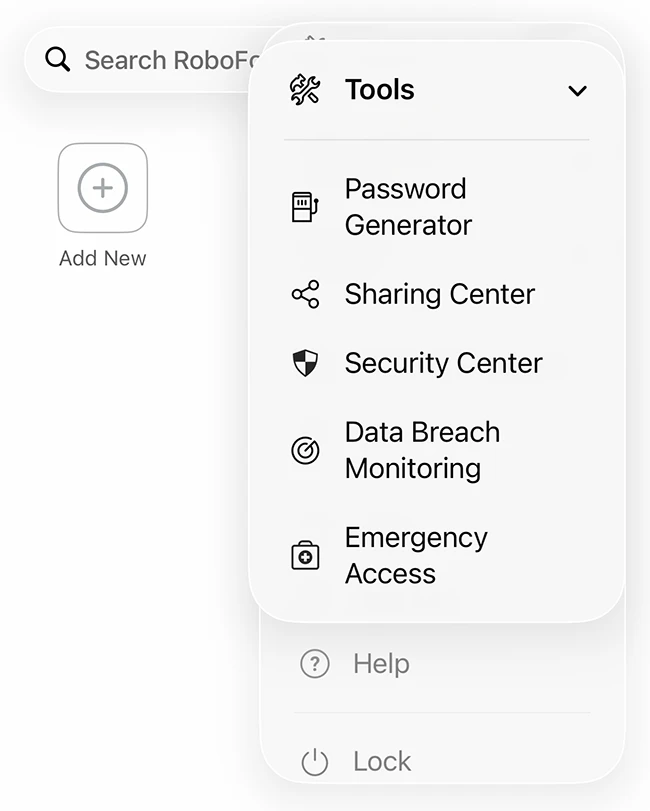
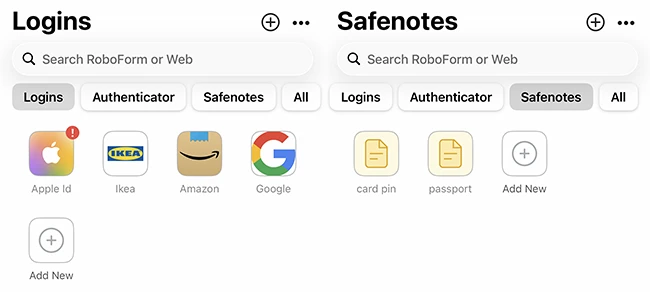
RoboForm for iOS can save new logins as users create accounts or sign in for the first time. Stored items are organized into categories such as logins, identities, and secure notes. Identities store personal details like name, address, and phone number for form filling. Secure notes can be used to store information such as Wi-Fi passwords, PINs, or membership numbers.
Password health and breach monitoring
The software includes features designed to help users maintain stronger credentials. The built-in password generator creates unique passwords for new and existing accounts. The security audit identifies weak, reused, or compromised passwords and highlights accounts that need attention.
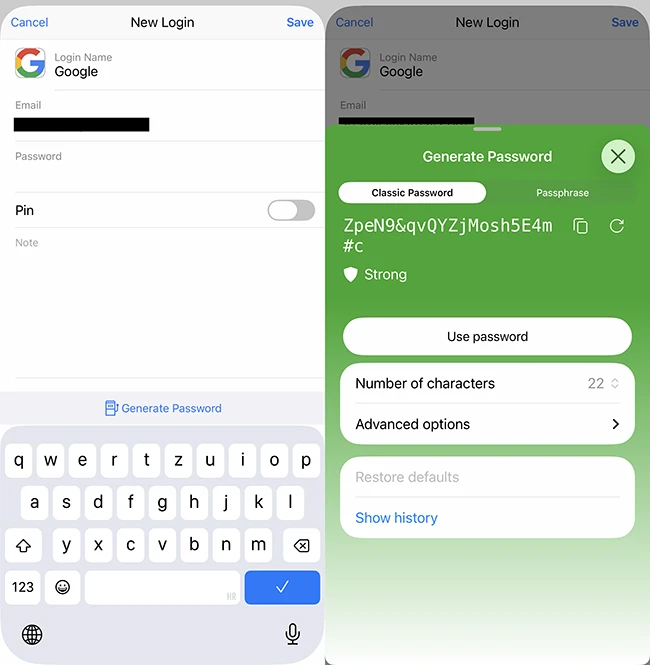
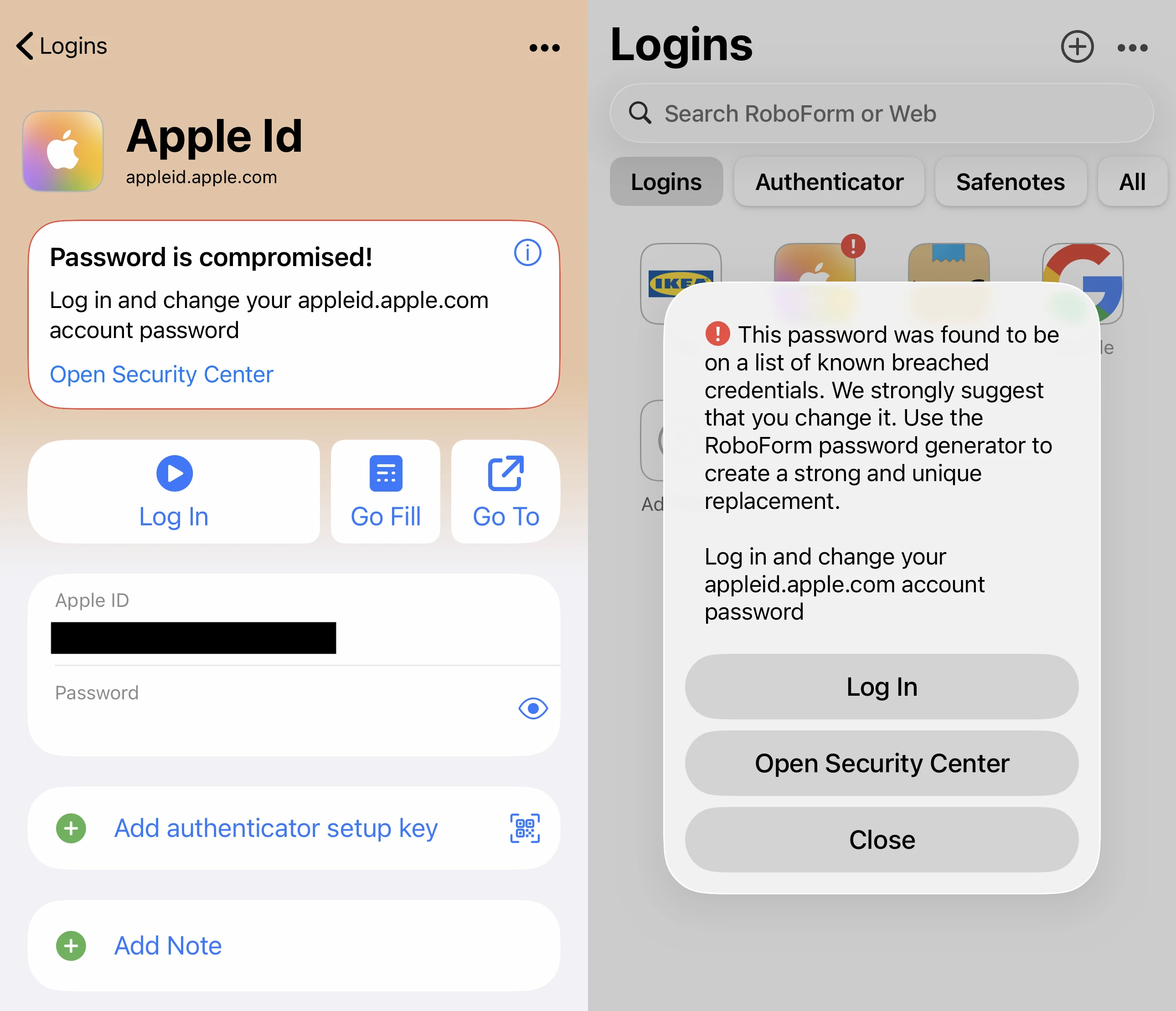
The app also monitors known data breaches. If a stored email address or login appears in a breach, RoboForm sends an alert with information about the exposed data. This allows users to update affected passwords.
Subscription plans
RoboForm offers syncing through its subscription plans for individuals, families, and businesses, with options for multi-device syncing and secure password sharing. Changes made on an iPhone, such as adding or editing a password, are reflected on other linked devices. This supports consistent access to credentials across phones, tablets, and computers.